How LoadLog works
Five steps from sign-up to DEFRA submission. No paper, no hassle.
Get Started FreeLoadLog is designed so that anyone on your team, from weighbridge staff to office admin, can record a compliant Waste Transfer Note without training. Here's exactly what happens between signing up and getting a load confirmed with DEFRA.
Sign up and register with DEFRA
Create your LoadLog account in under two minutes. During setup, you'll register with DEFRA's Digital Waste Tracking Service and enter your API credentials, which link your LoadLog account directly to the government platform. If you haven't registered with DEFRA yet, we'll guide you through it during setup, and you can test everything safely in DEFRA's sandbox environment before switching to production.
Create a waste transfer record
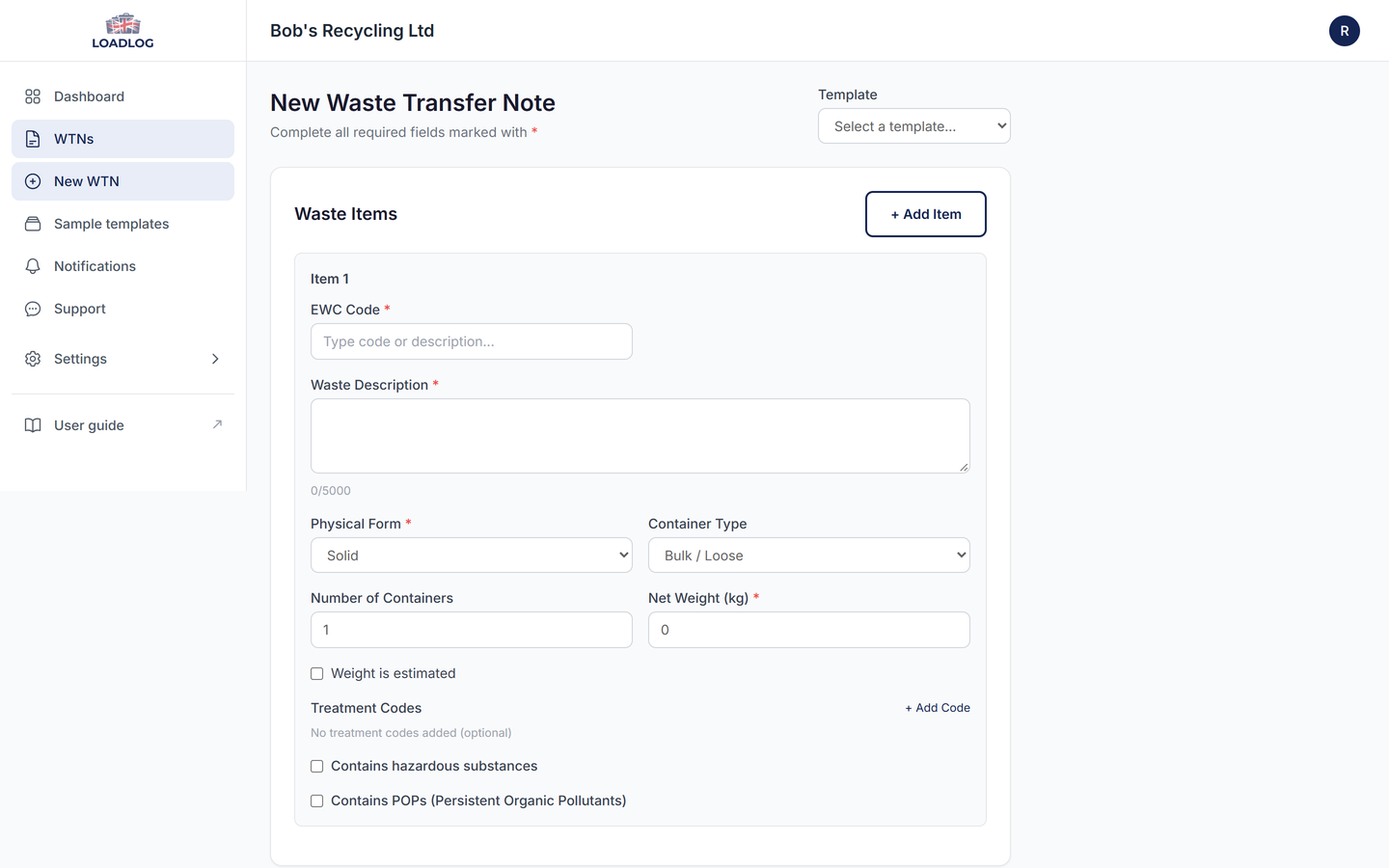
Open LoadLog on any device, desktop, tablet or phone. Fill in the waste description, EWC code, quantity, vehicle registration, carrier details and destination site. You can enter these details at the weighbridge, at the gate or from the office. If you handle the same kind of load regularly, choose a template at the top of the form, or copy a ready-made one from the sample library, so the common details are already filled in. You can save a draft and come back to finish it later if you need to. If your records already live in a spreadsheet, you can import them by CSV instead: the columns are matched once, a preview shows what will be created, and the batch arrives as drafts. Exports from a weighbridge system work the same way.
Capture digital signatures
When the load is ready, the producer, carrier and receiver each sign directly on the screen. Every signature is timestamped and bound to the record, so there's no paper to print, no form to scan and nothing to lose in transit.
Auto-submit to DEFRA
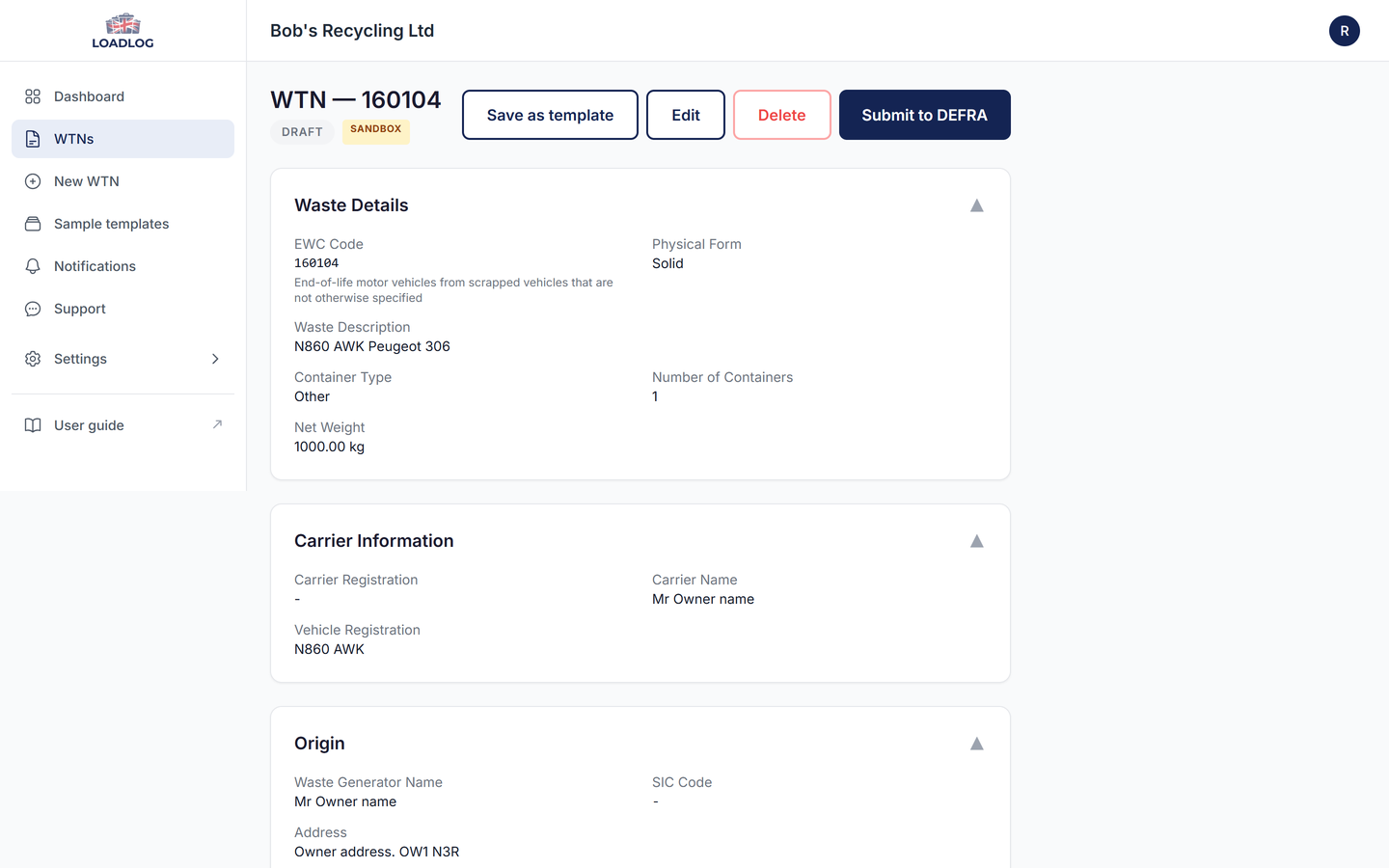
One tap sends the completed Waste Transfer Note to the DWTS through our secure API integration. You'll get a DEFRA submission ID straight away. If anything needs fixing, we'll tell you exactly what before you resubmit, rather than leaving you to guess.
Download your PDF record
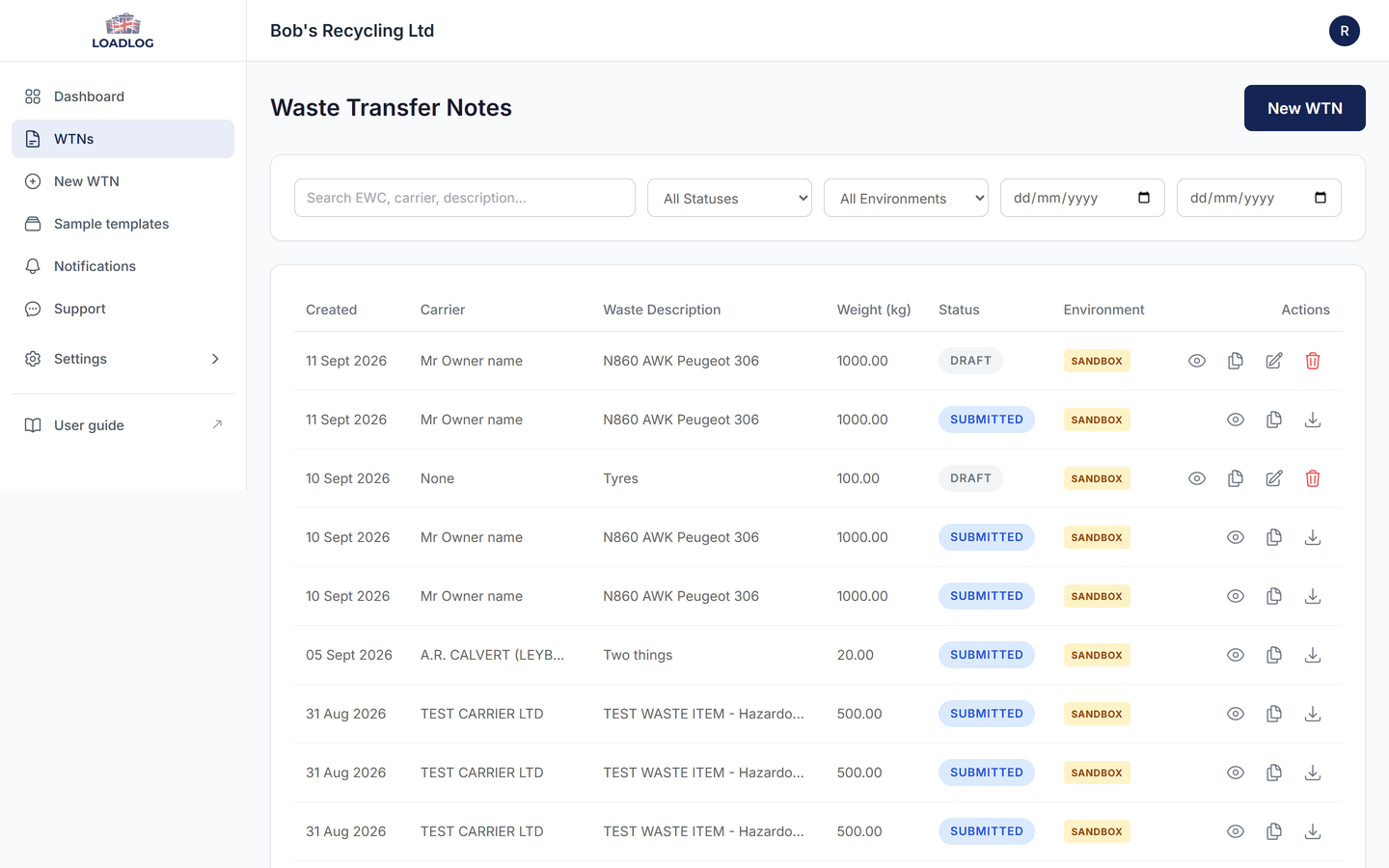
Every submitted WTN generates a PDF with the waste details, signatures, timestamps and DEFRA reference number. Keep it for your own records, hand it over at an Environment Agency inspection, or send it on to anyone who needs a copy. You can also export your whole audit log as a CSV file for compliance reporting.
See LoadLog in action
The full walkthrough, from signing in to a note submitted to DEFRA. Just under six minutes.
What you'll need to get started
Before you sign up, it helps to have the following information ready:
- An email address for the account administrator
- Your DEFRA UUID (obtained by registering with DEFRA's Digital Waste Tracking Service - see our step-by-step registration guide)
- Your environmental permit number
- Your site details, including address and contact information
- Email addresses for the team members who will be using LoadLog
Everything else - EWC code lookup, carrier verification and DEFRA submission - is built into LoadLog from the first load you record.
Ready to get started?
Set up your account in minutes and record your first load today.
Get Started Free